Appearance
Shopify Integration
Install the Gamifiera app
First, you will receive login credentials for our admin app at admin.gamifiera.com. Please ensure you store these securely.
INFO
If you don't have access to these credentials and want to become a customer of Gamifiera, please contact us here
Next, visit https://apps.shopify.com/gamifiera to install the Gamifiera app. After installation, you will be redirected to our admin portal, where you can log in using the credentials provided earlier.
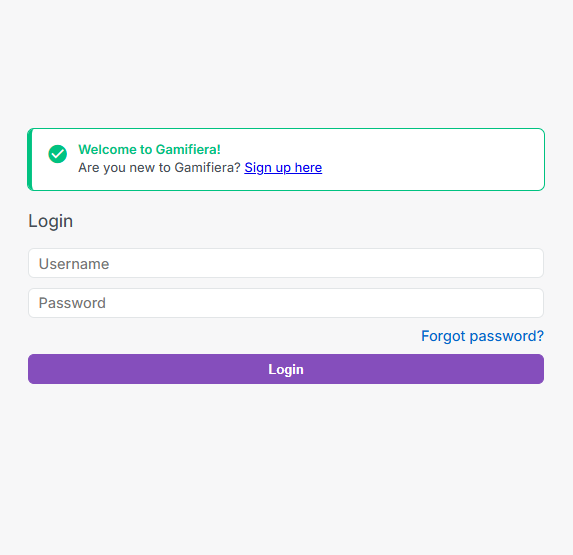
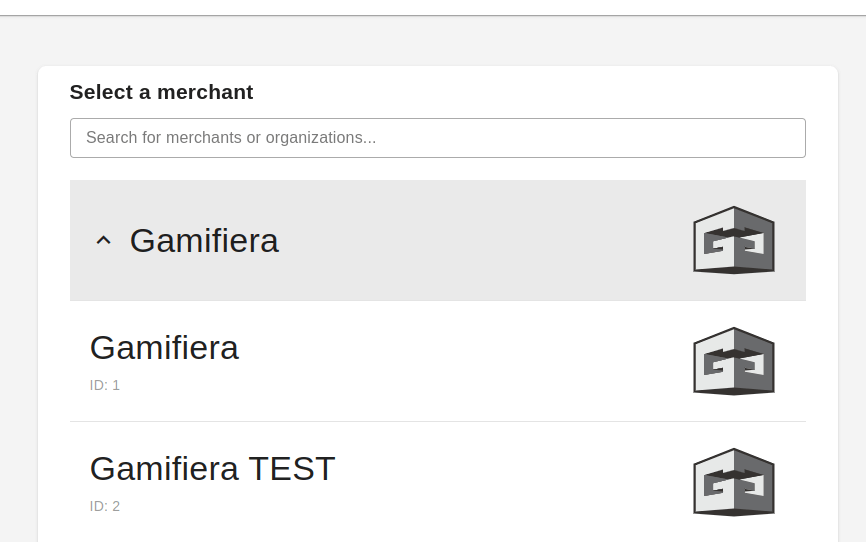
After logging in, select your merchant on the merchant selector page.
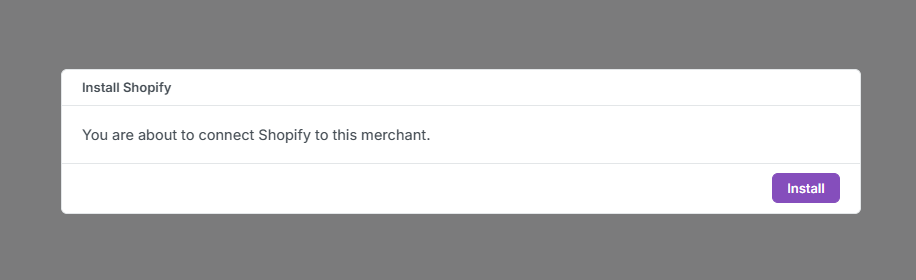
Next, click "install" on the install popup to complete your installation.
If the installation is successful you will see a success popup. You are soon ready to setup the widgets!
Data import
We will now begin importing your data. This process may take a few minutes, depending on the size of your store. You will contanct you when the import is complete.
Please wait until you receive a confirmation from us before proceeding to the next step.
Widget setup
To start setting up the widgets, click on the add widgets button in the Gamifiera Admin Interface.

Start by clicking the "active app widgets" button.
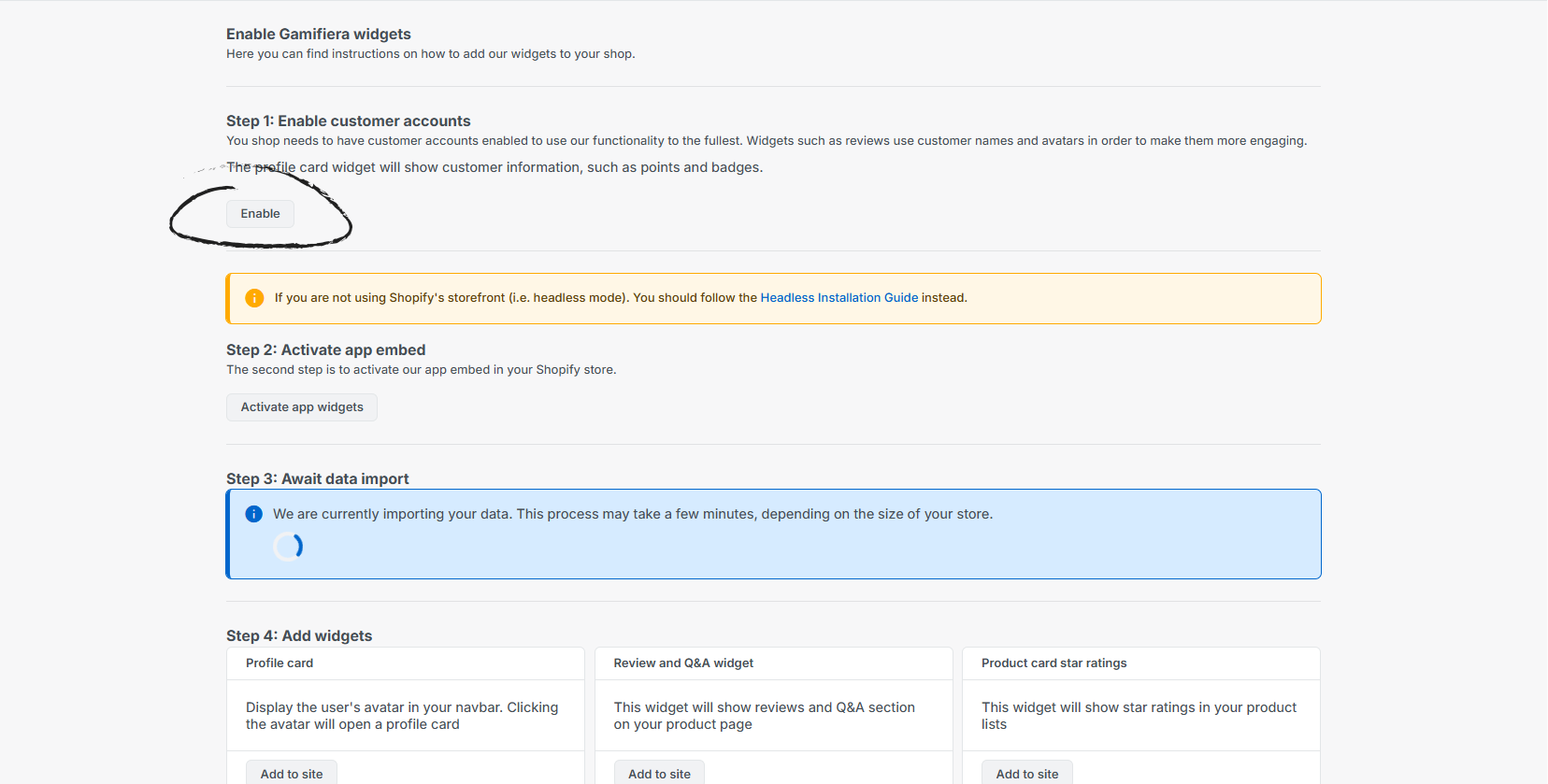
To add the individual widgets, the next step will depend on whether you're using an Online Store 2.0 theme or an Online Store 1.0 (Vintage) theme for your store. This process is different depending on the version of Shopify that you currently have deployed.
Choose your Shopify version:
Version 2.x and above: Online Store Version 2.x Widget Installation
Version 1.x and below: Online Store Version 1.x Widget Installation